
Late Cancellation
Automatic translation. View original
- What is it?
- What is it for?
- How users see it
- How the instructor can do it
- Exceptions to the configuration
Use late cancellation before the class. After the class, to register that a person with a reservation did not attend, use the function Did not attend the reservation they made.
What is it?
Late cancellation is the cancellation of reservations after the cancellation deadline set for the activity.
For example, if a class has a cancellation deadline set for 40 minutes before the class and a student cancels 20 minutes before the class, this will be a late cancellation.
What is it for?
Late cancellation frees the spot in the activity but continues consuming the user's quota if they had a reservation limit.
How users see it
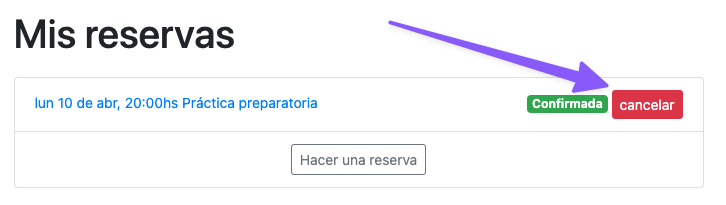
To cancel a class within the allowed time, the user sees the following button:
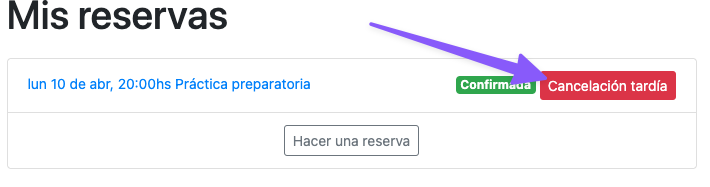
But to make a late cancellation, the button has a differentiated message:
How the instructor can do it
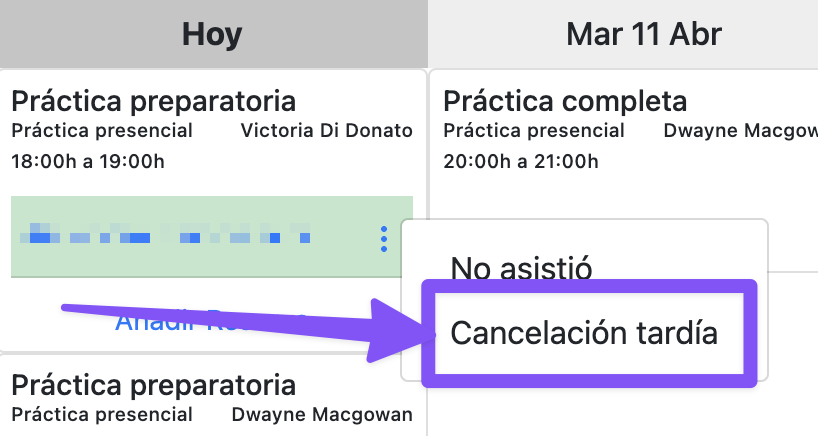
You can do it from the reservation screen in the admin panel or from the instructor app's schedule:
Exceptions to the configuration
The school can configure how many minutes before the class cancellation is allowed. After that time, cancellations are considered “late cancellation” with the following exceptions: