
Students online and in-person-Students online and in-person
Automatic translation. View original
Portuguese
From now on, you have the option to categorize students by the type of access they have to your school: in-person and online-You can change this access type in two places, in the student profile, or in the lists.
Note.
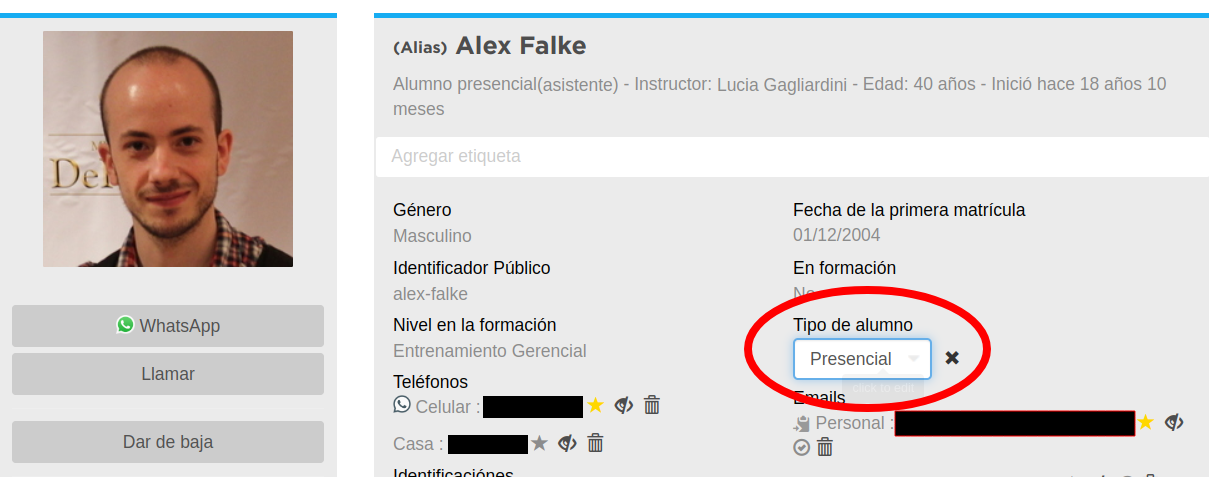
you can only modify the “type of student” while the contact is a student: Student profile.
Expand the student's details and select the student type
Lists.
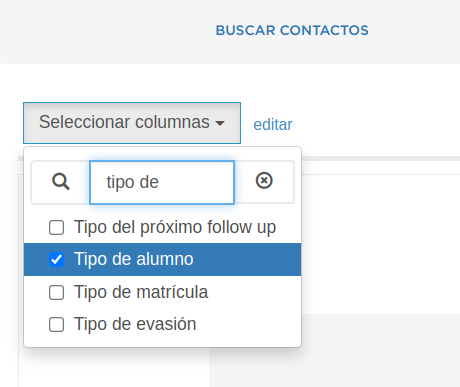
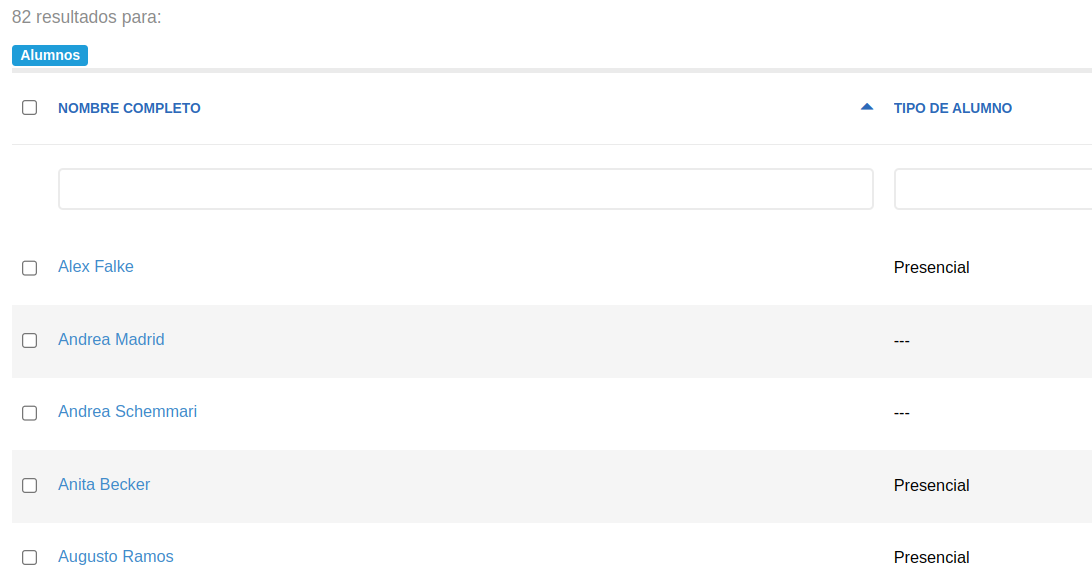
In a list, by opting to show the student type field, you can modify it directly from the list
Statistics.
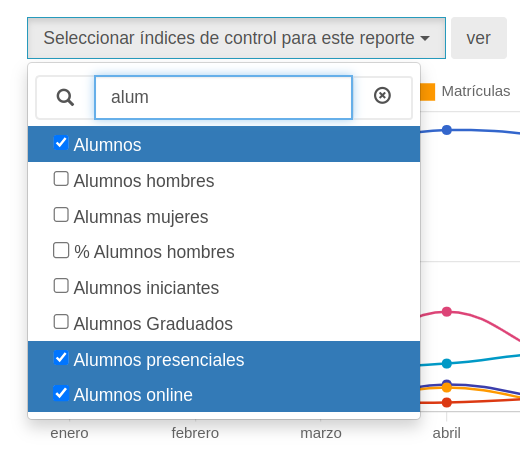
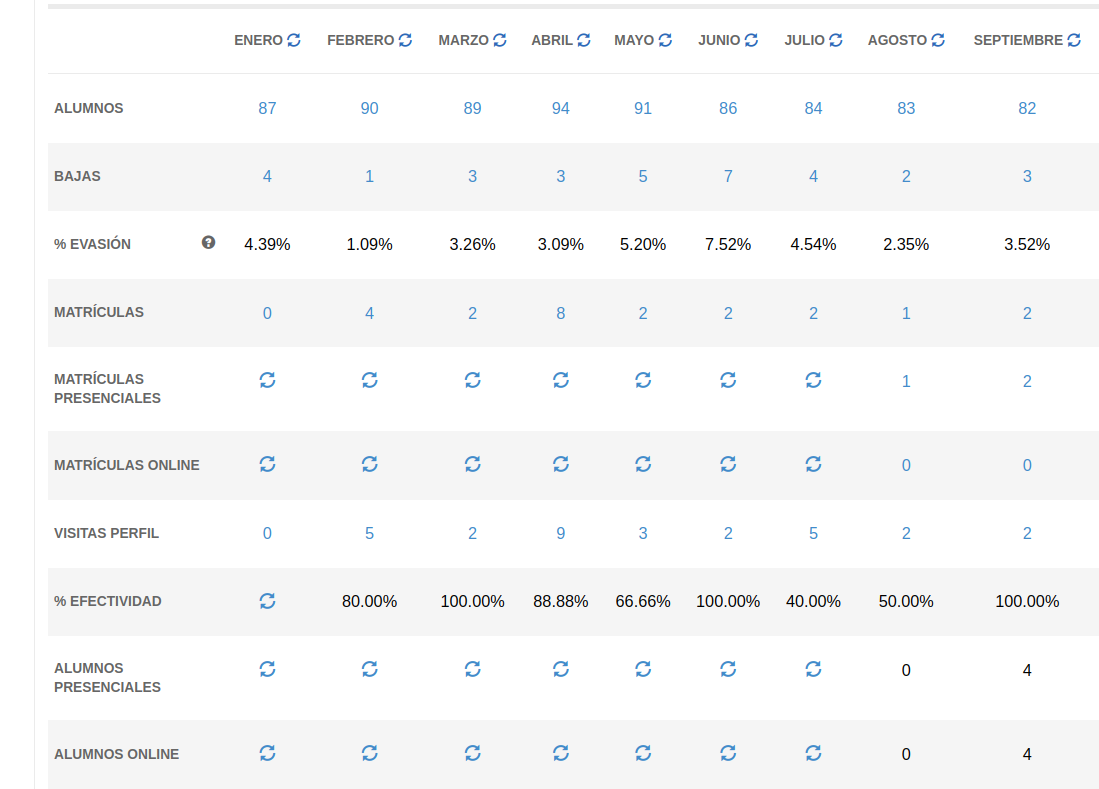
In the statistics, you will be able to see how many students are online or in person
Spanish-From now on you have the option to categorize students by the type of access they have to your school.
in-person
and: online You can modify this access type from two places the student profile or the lists.
Note: only the access type of students can be modified.
Student profile: In the profile, by expanding student details and selecting the student type
Lists
From a list, choosing to show the student type field, you can modify it directly from the list
Statistics
In the statistics you will be able to see how many students are in-person or online type..
Statistics
In the statistics you will be able to see how many students are in-person or online..