Notifications via Telegram
Automatic translation. View original
Notifications via Telegram can be used by students and instructors too.
How to enable notifications
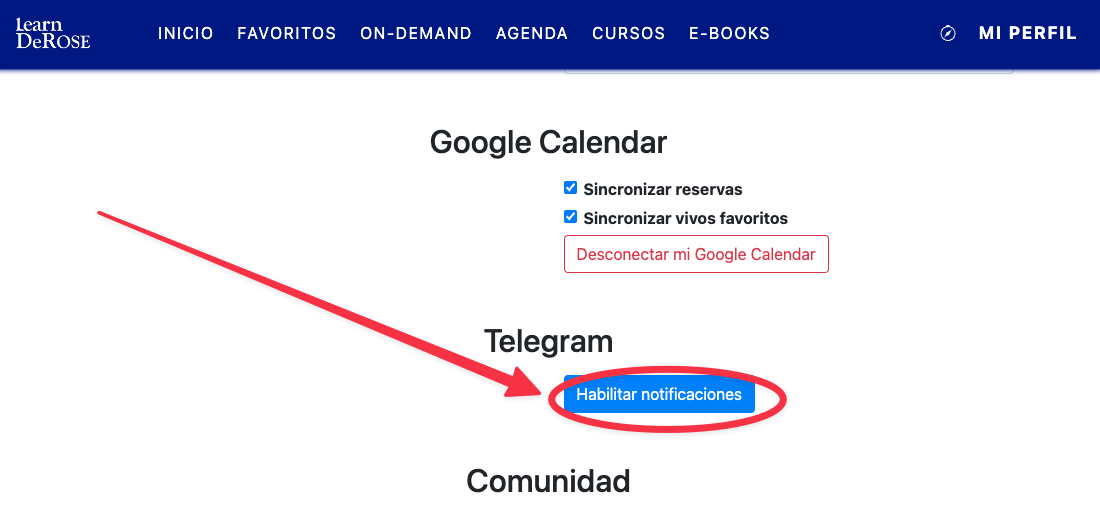
In the user profile click the button to enable
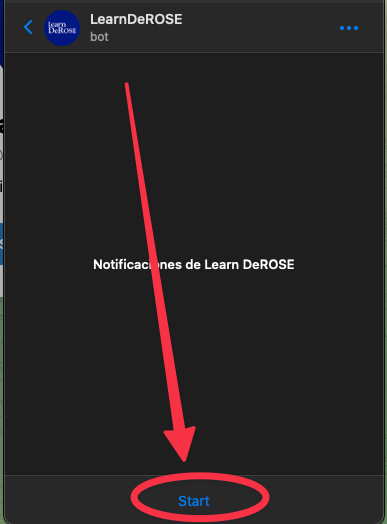
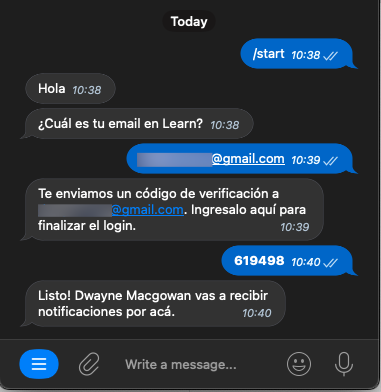
This directs you to Telegram. In the conversation with the Learn bot click Start
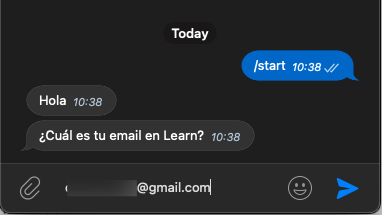
The bot will ask for your email. It needs to be the email you use to access Learn.
When you provide the email to the bot, you receive a code at your email.
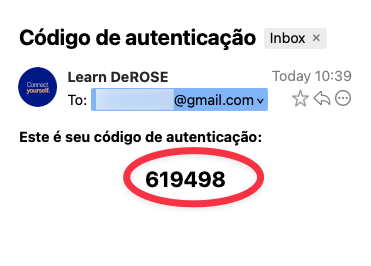
Send that code to the bot and done.
How to disable notifications
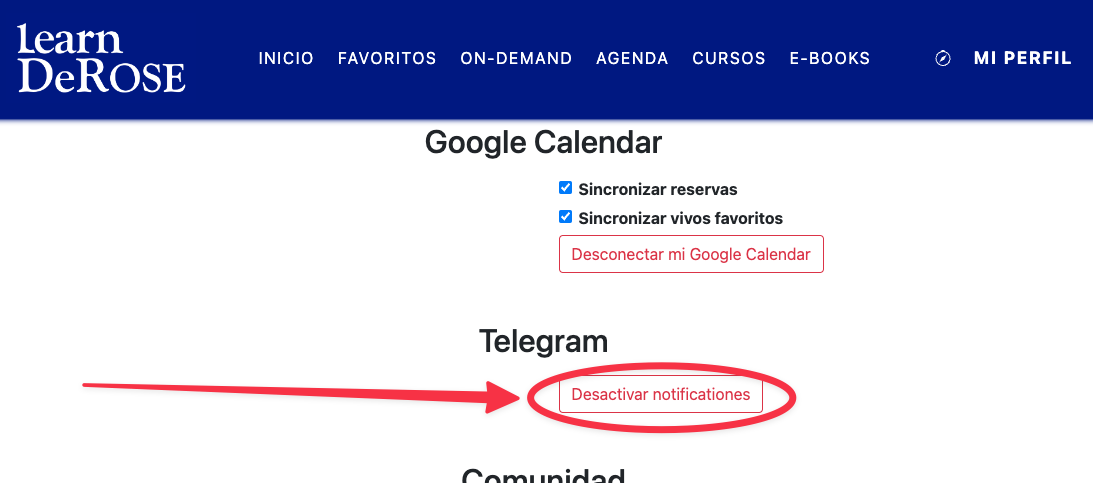
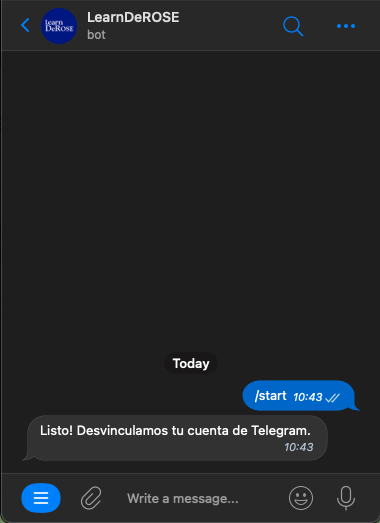
By clicking the button you are directed to Telegram. Tap Start and done.