Class Substitutions
Automatic translation. View original
In live and in-person classes you can set up a substitute instructor.
The configuration does not have a specific date. The substitute instructor will appear on screens while configured.
The check-ins in this class will be recorded with whoever gave the class (the regular instructor or a substitute). Thus, in the check-ins the history is kept for reports and control.
How to set up the substitute instructor in the class
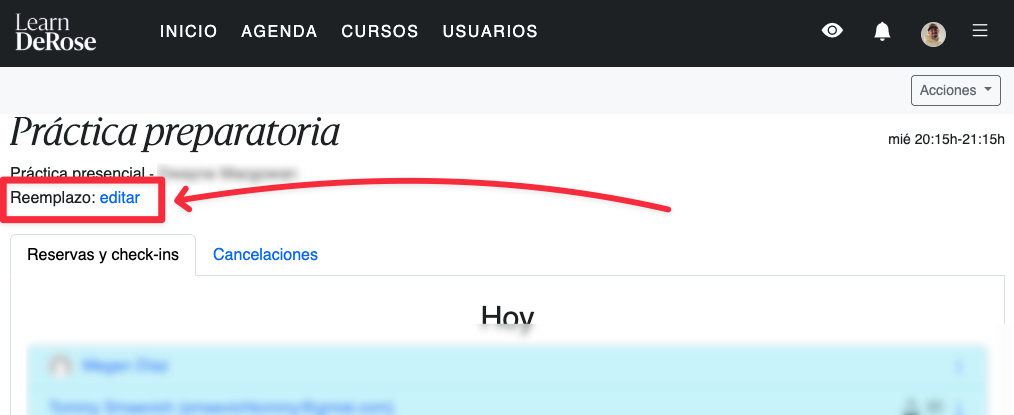
You can change it in the instructor app:
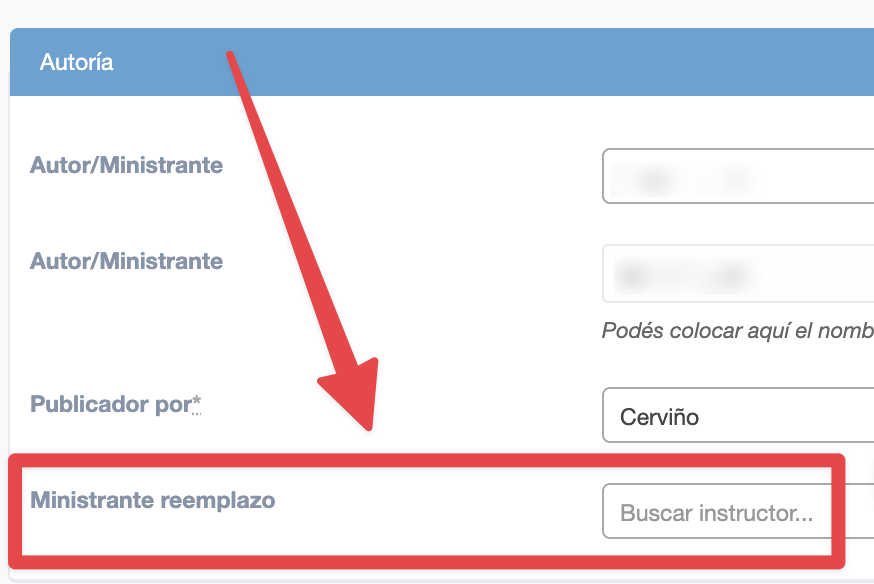
Or in the advanced panel:
How the substitute instructor works
As long as the class has a substitute instructor configured:
-
the checkins in that class will be linked to that other instructor
-
that other instructor will be able to view the class reservations
-
that other instructor will receive notifications of reservations and their cancellations
-
students will see the name of the substitute instructor this way:

How to remove the substitute instructor
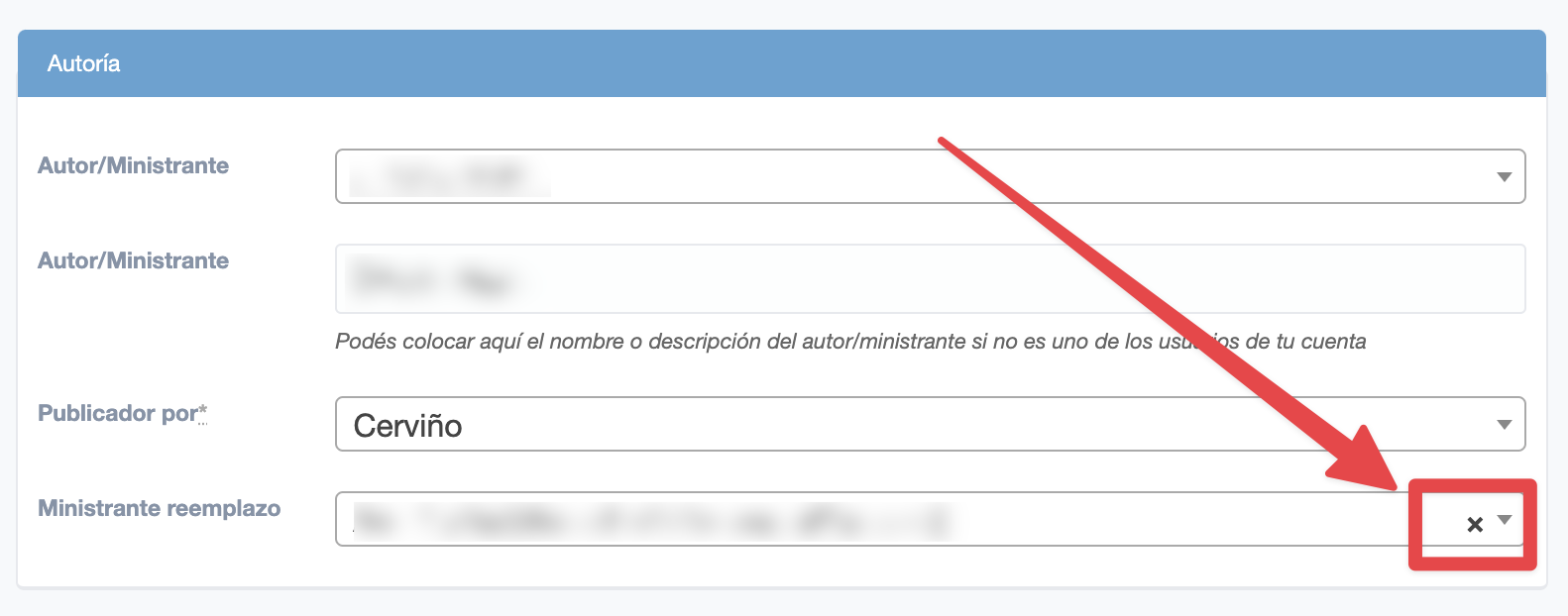
In the post editing, click on the cross and then save the changes
Register substitution in past classes
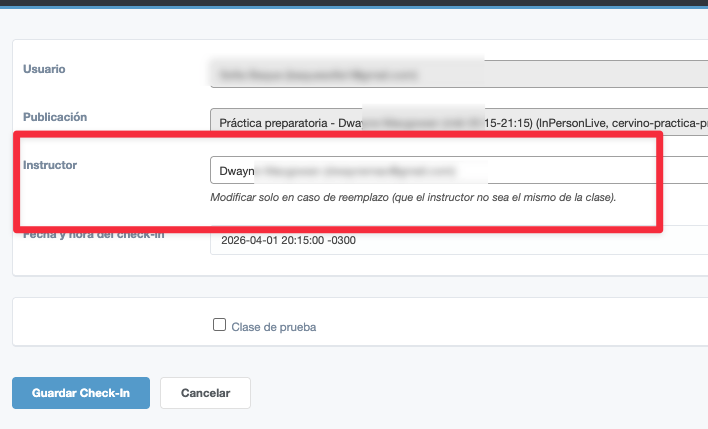
To register substitution in past classes you record directly in the check-ins, in the advanced panel:
In the check-in click on “change” and modify the instructor field.