
The user does not appear on my dashboard
Automatic translation. View original
If a user does not appear on your control panel in the enabled tab nor in the disabled tab, try linking this user manually to your school.
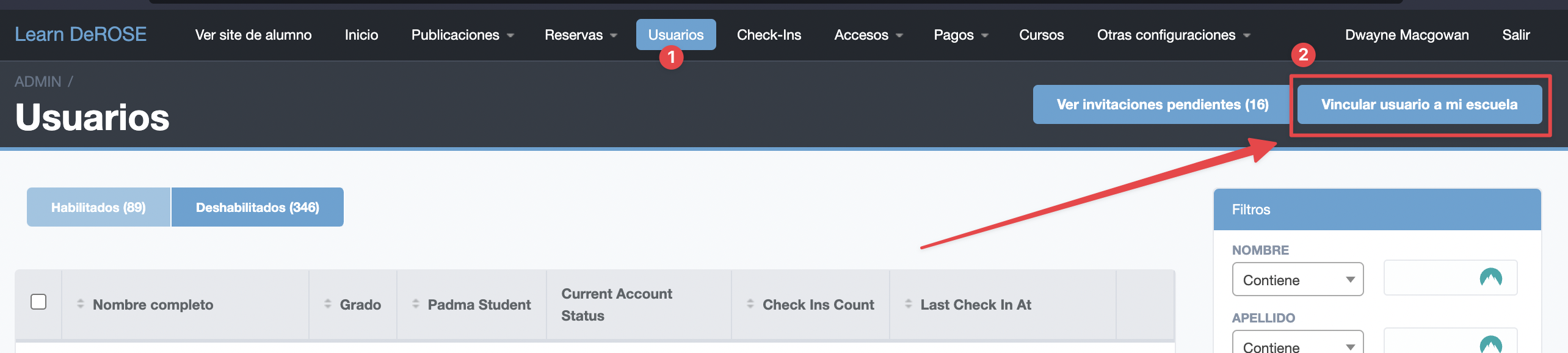
To do this go to users > link user to my school
Enter the email with which the user registered. This is enough to link them to your account. On this screen you can also take the opportunity to configure your accesses.
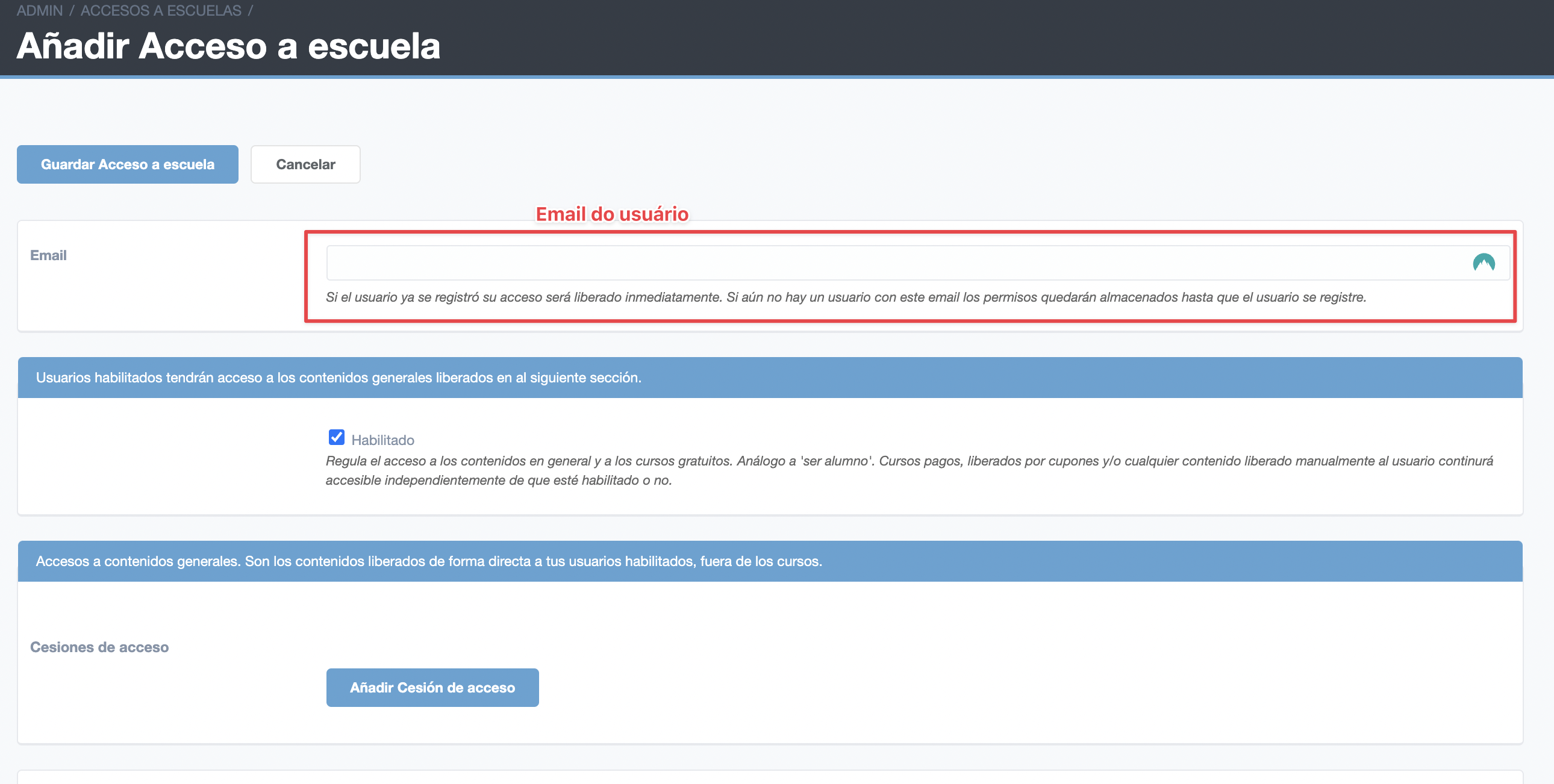
About how to configure accesses see this article: