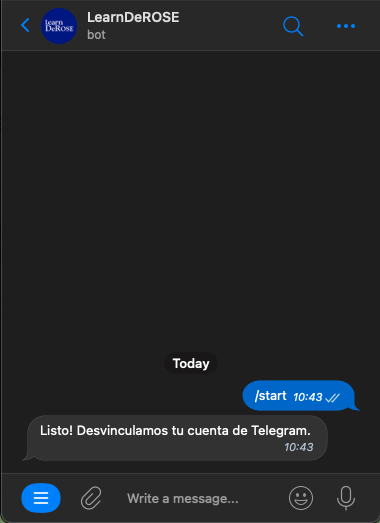
Notifications via Telegram
Automatic translation. View original
Notifications via Telegram can be used by students and instructors as well.
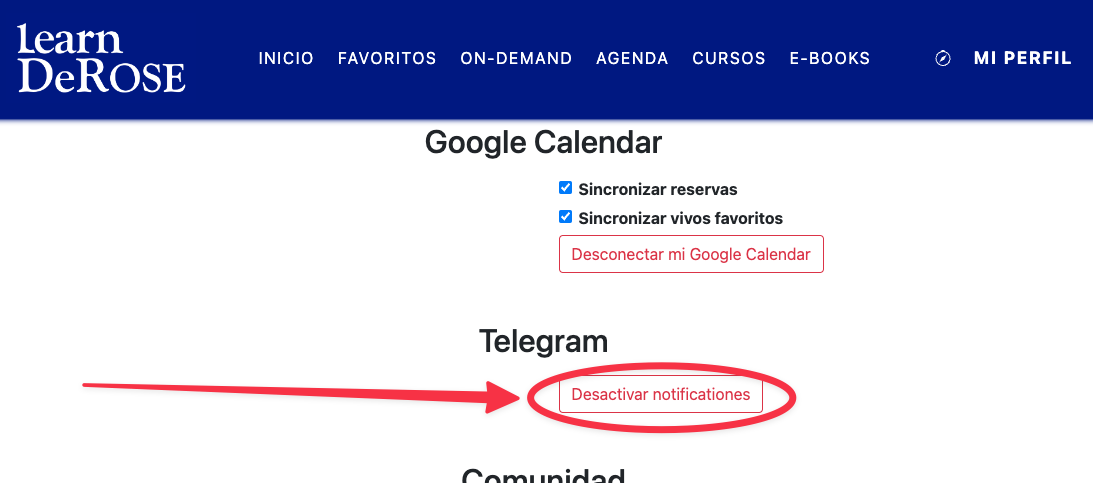
How to enable notifications
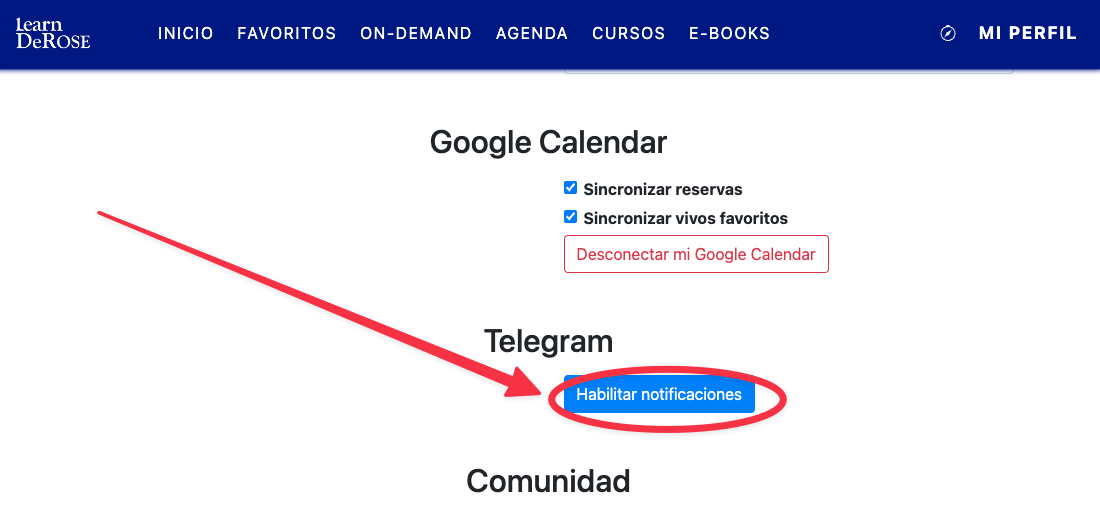
In the user profile click the button to enable
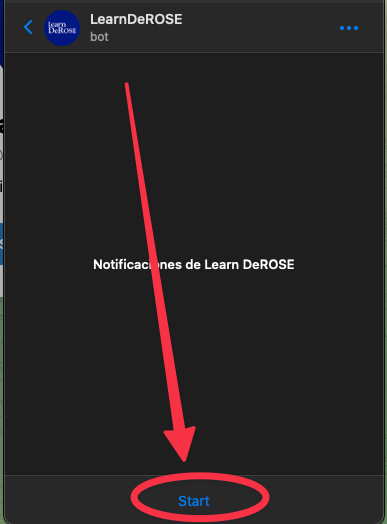
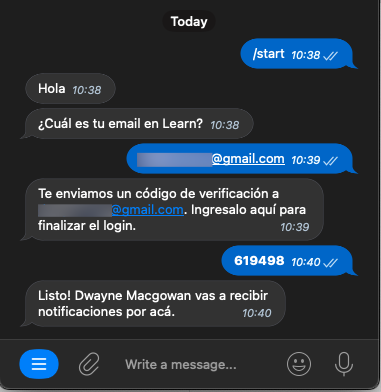
This directs you to Telegram. In the chat with the Learn bot click Start
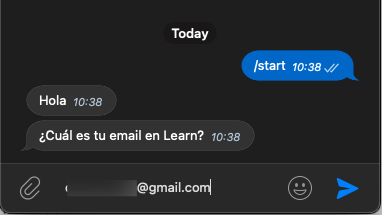
The bot will ask for your email. It must be the email you use to access Learn.
By providing the email to the bot, you receive a code in your email.
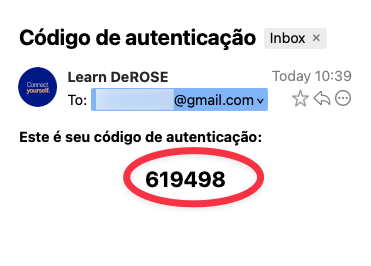
Send that code to the bot and you're done.
How to disable notifications
By clicking the button you are directed to Telegram. Tap Start and done.