Connect your Google Calendar with Learn DeROSE
Automatic translation. View original
With this integration, you can have your favorite classes and your bookings on your personal calendar!
1. Set up the integration in your profile
You can choose to sync bookings and/or favorites.
2. Choose your Calendar
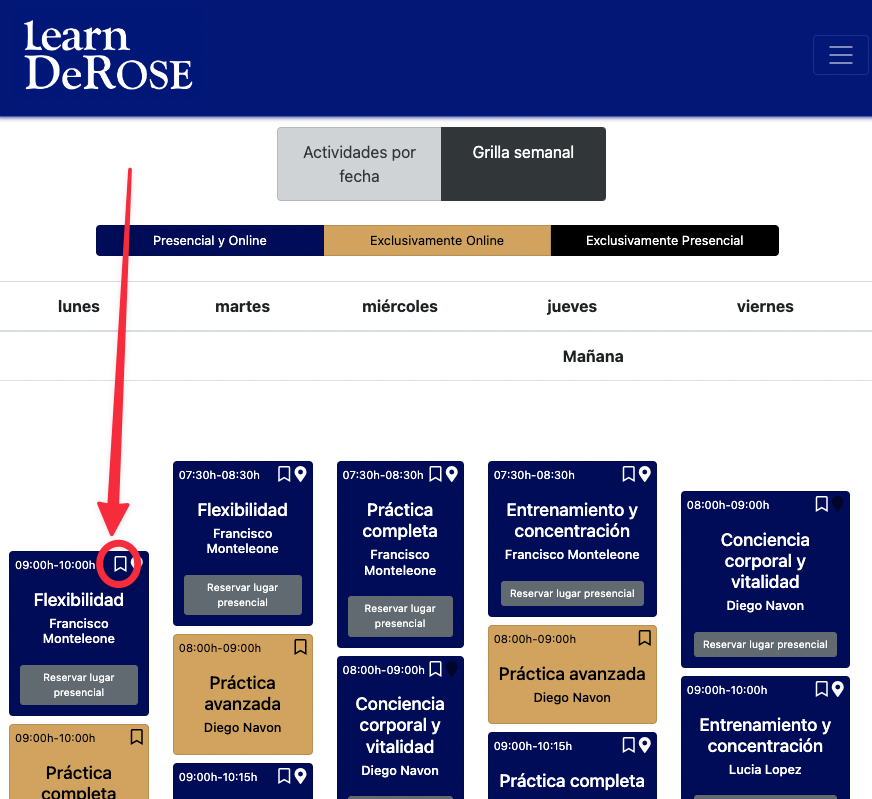
In the calendar, you can mark your preferred classes to appear on your calendar.
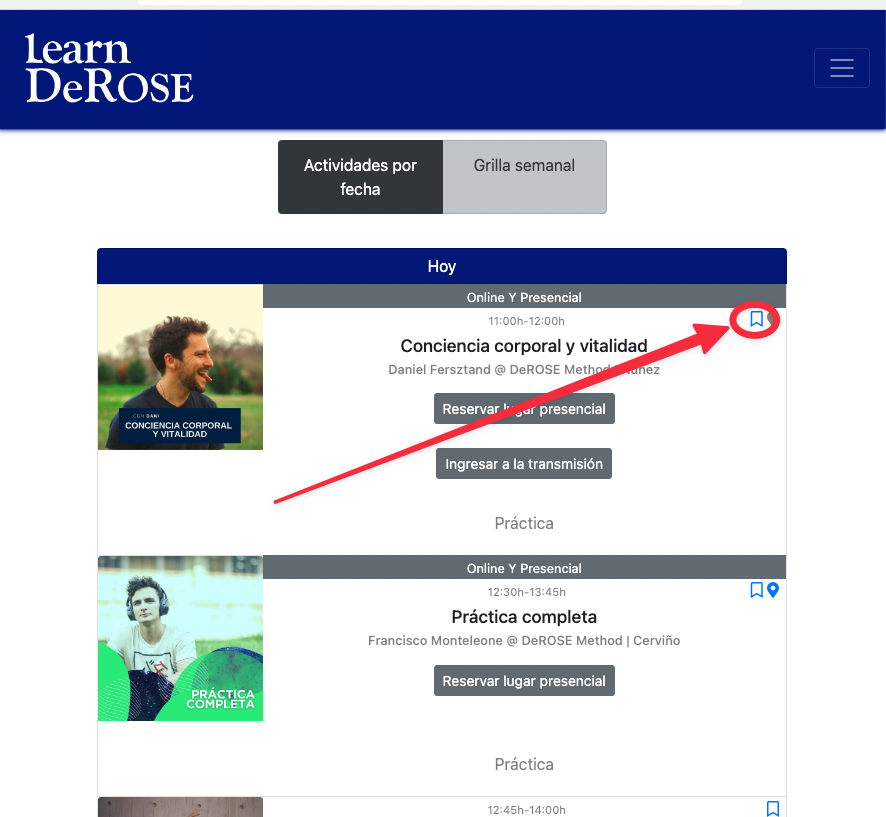
If you chose to sync your favorites, you can go to the calendar and mark them to be added to your Calendar: