Add images to the body of an email
Automatic translation. View original
To add an image to an email, first click on the image icon
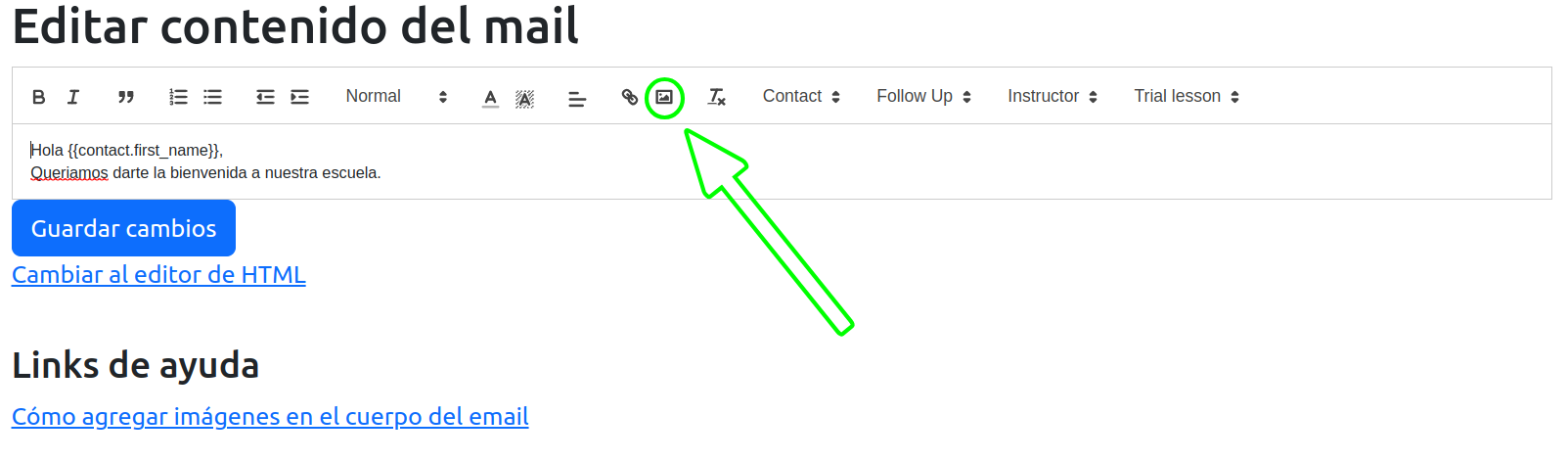
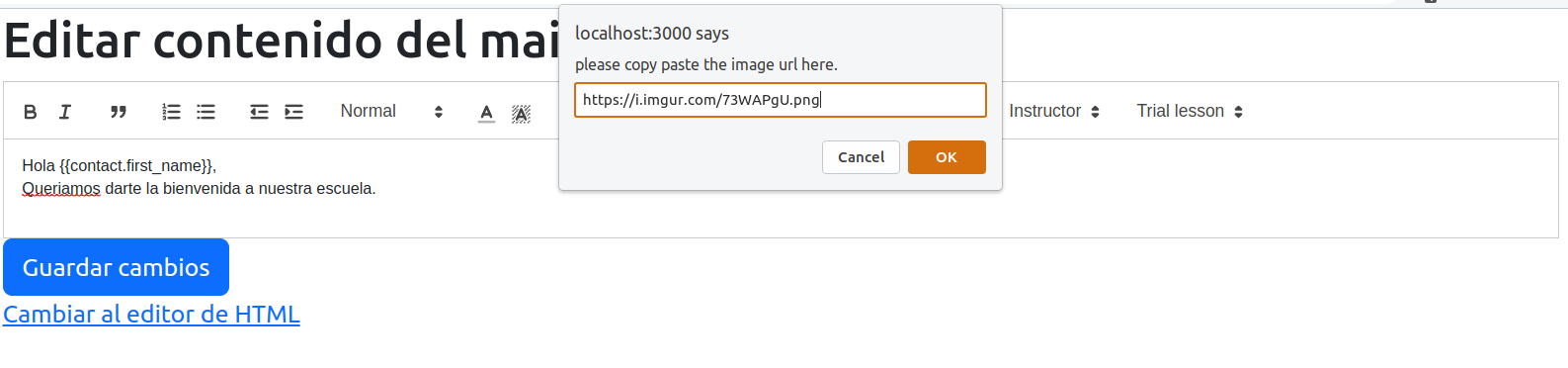
Next, we need to have the image URL. To do this, upload it to a site where we can have a correct address for the image. We recommend imgbb.com or imgurl.com (We do not recommend using Google Drive, as the link provided by Drive is not in the correct format to add the image).
After uploading the image there, we get the image address using a button that allows us to share the URL or by right-clicking and selecting the "Copy image address" option.

Check if the address is correct. It should end with the file type. For images, it is usually png, jpg, jpeg, or gif.

Then, paste this address into the email field and done!
The image will be in the email.

You can verify it by previewing the email.