
Enrollment Forms / Liability
Automatic translation. View original
"Liability Agreement" Form: https://forms.derose.app/liability
"Enrollment Application" Form: https://forms.derose.app/matricula
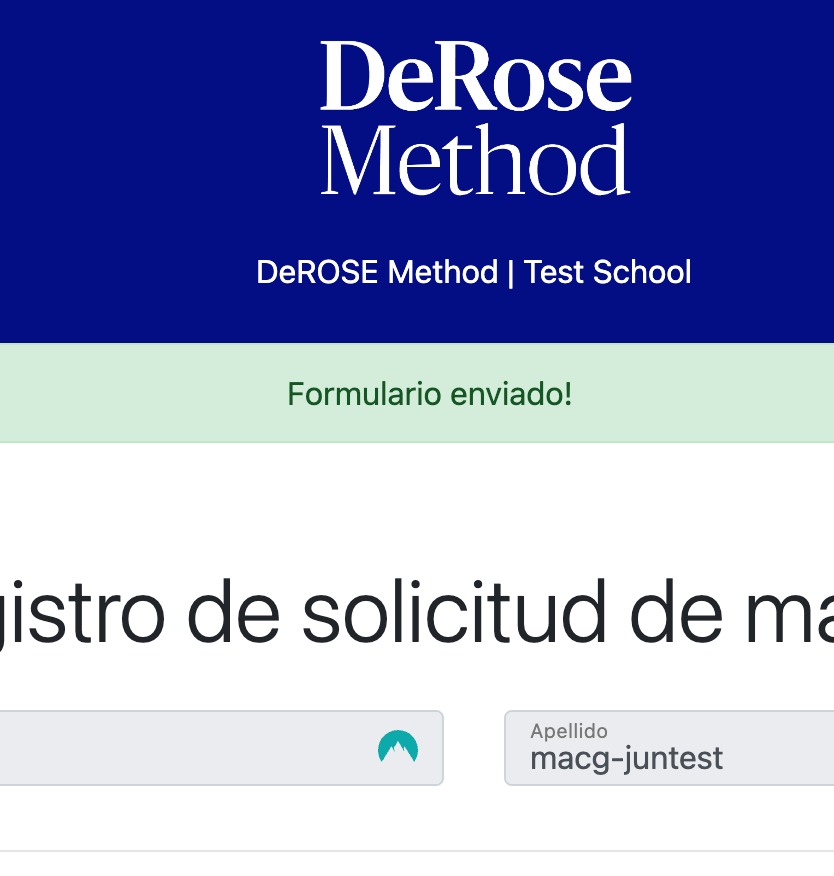
When the form is submitted successfully a green confirmation message appears:
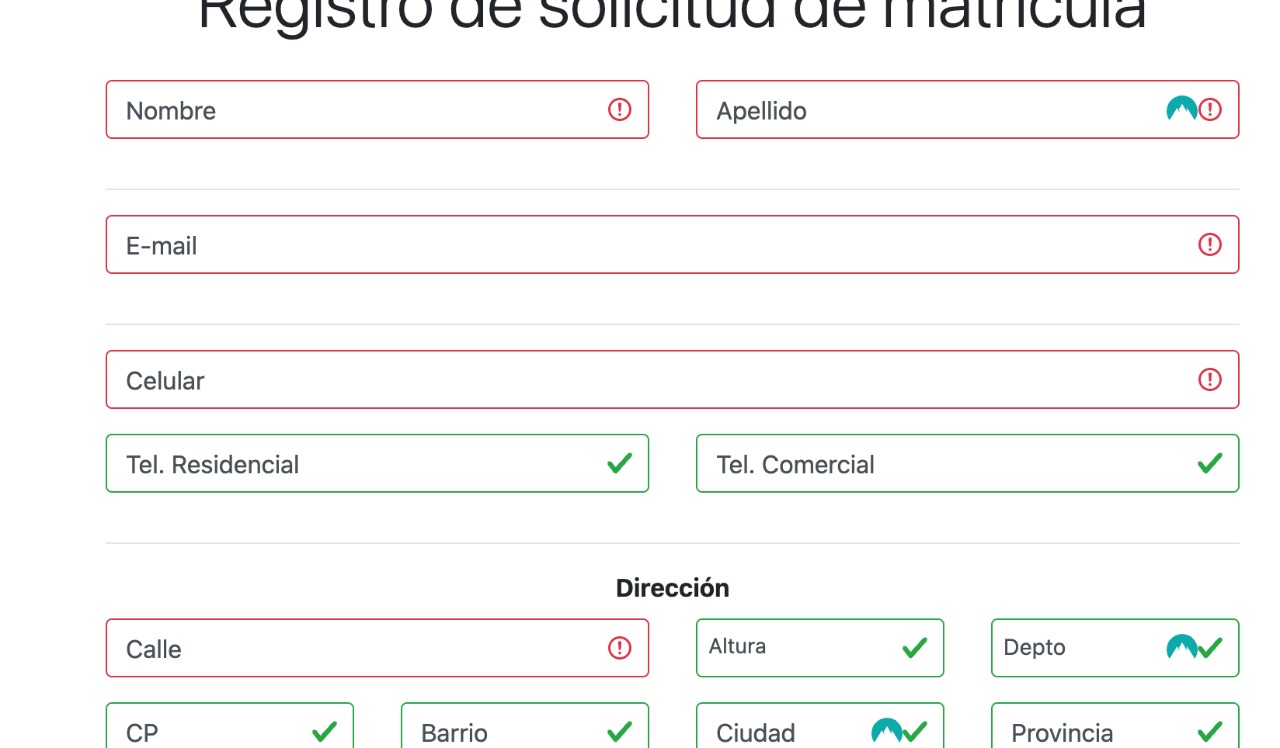
When the form has an error it is not sent. Fields with errors are highlighted in red:
When a form is submitted successfully the data will appear in your PADMA account after a few moments.
The data entered in the form is saved for one week in the user's device/browser so that if they abandon the form incomplete they can resume it without needing to enter all data again.
PDF Copy
A PDF copy of the form is sent to the school's email with the user's signatures.
Validation Mechanisms
- We store the IP address of the device from which the signature is made.
- We request the signer's GPS geographic location and, if they provide their location, we store it along with the form.
- When the user submits the form we send a link to their email that they must click to confirm the email. If the email is not confirmed the form will display a warning message.