
Duplicate Contacts in PADMA CRM
Automatic translation. View original
In the contact profile, there is a small box with the possible duplicates of the contact.
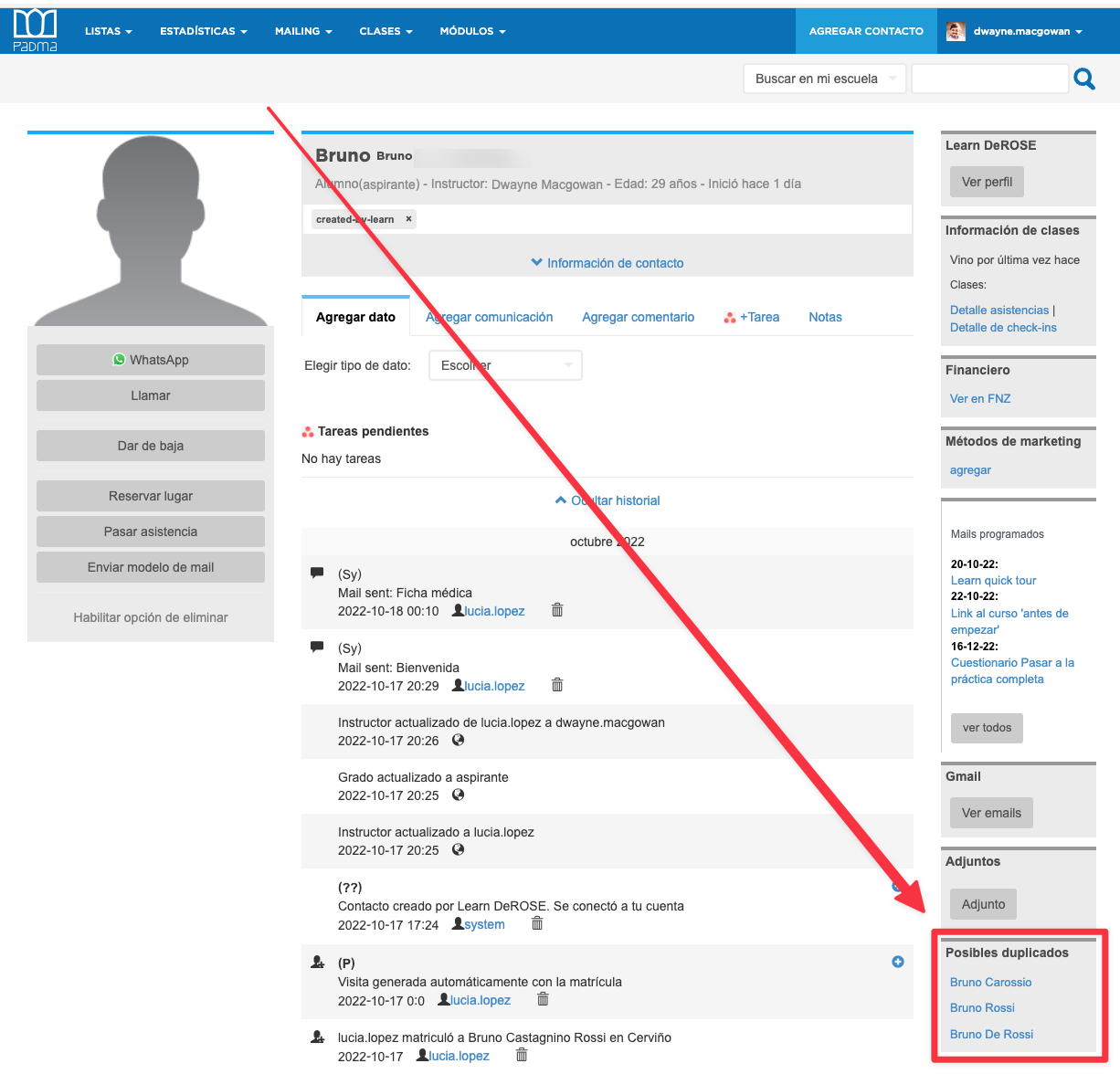
By clicking on these names, you are presented with a comparison between the two contacts.
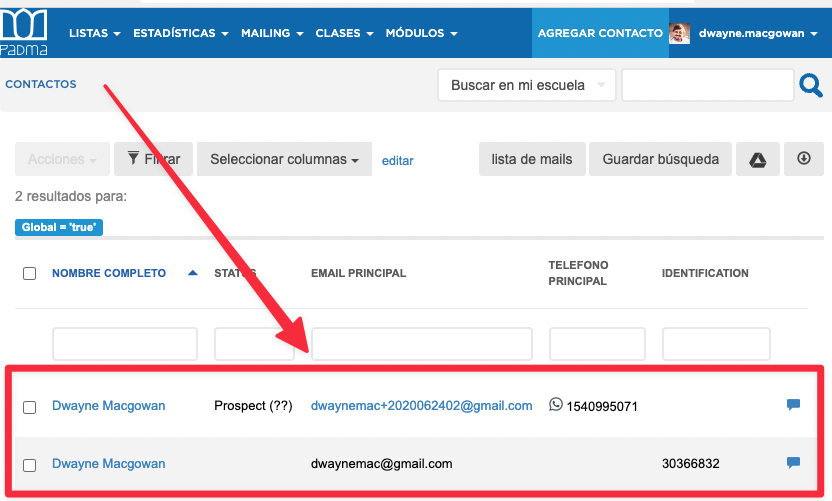
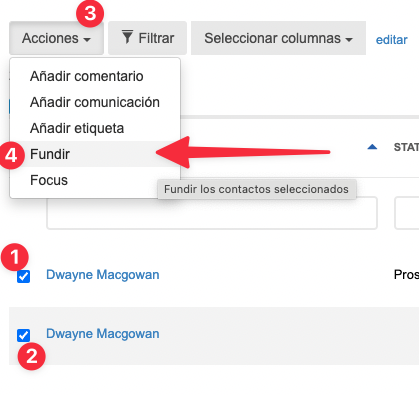
If it is confirmed that both records represent the same person, you can merge the records by selecting the two contacts and clicking on “Actions > Merge”:
The merge may take up to about 5 minutes. If it takes longer, contact us: Contact