Analysis and monitoring of Zapier
Automatic translation. View original
Go to Zapier.com
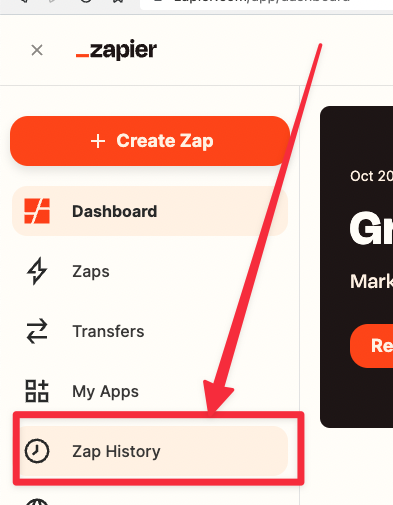
Go to “Zap History”
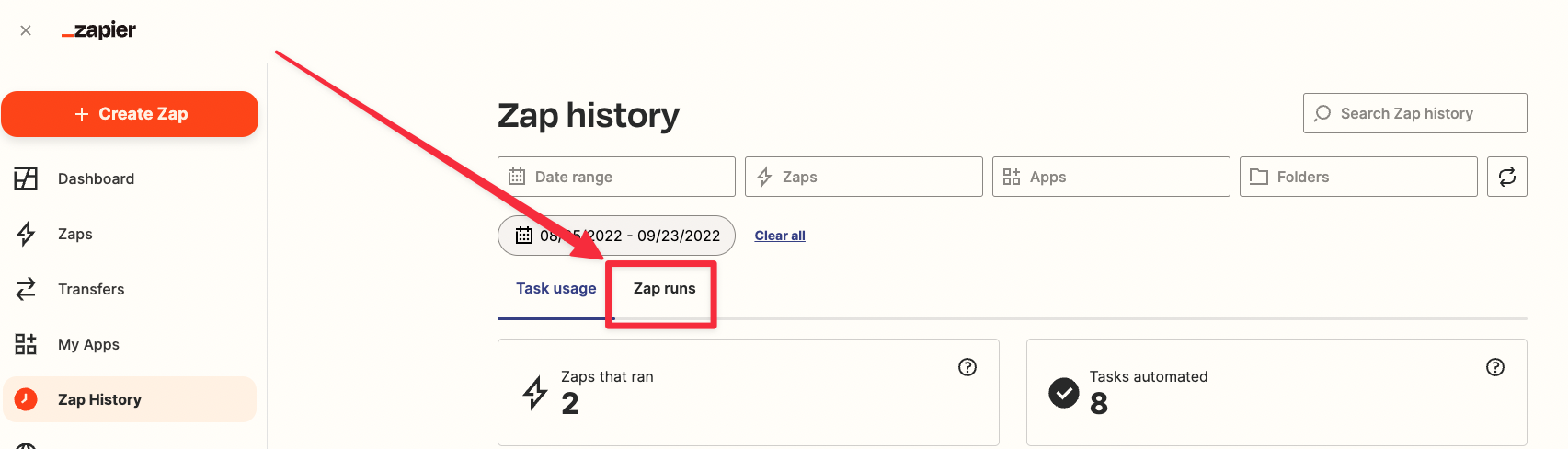
Click on the “Zap runs” tab
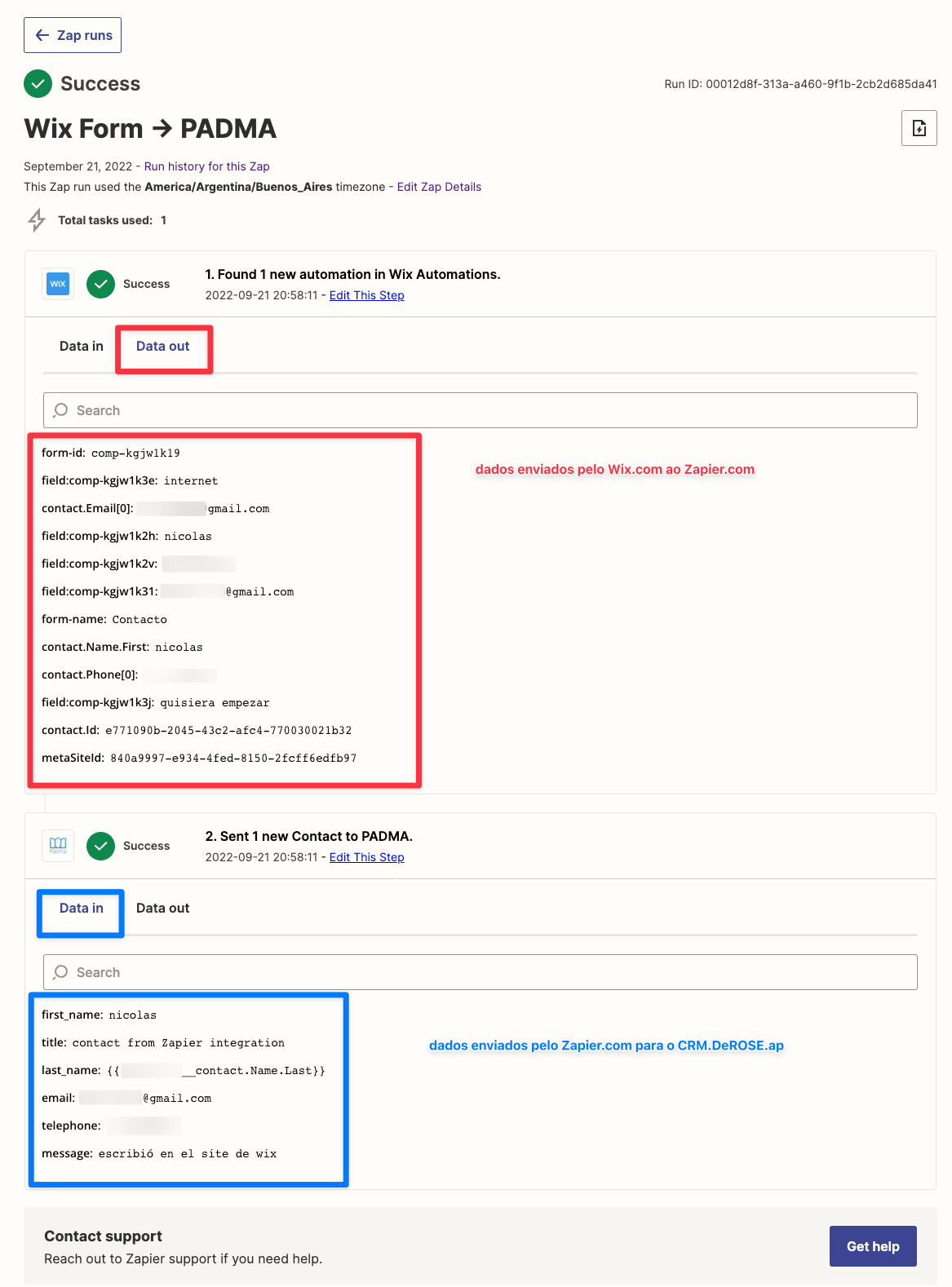
Each “run” is an instance in which the integration was activated. Inside the “run” you can see:
-
the data that was sent by the platform that triggered the integration,
-
the data that Zapier sent to the destination platform
-
the response that the destination platform gave to Zapier
Example: