
Share schedule grid with prospects
Automatic translation. View original
If you want to share the schedule grid with a prospect you can!
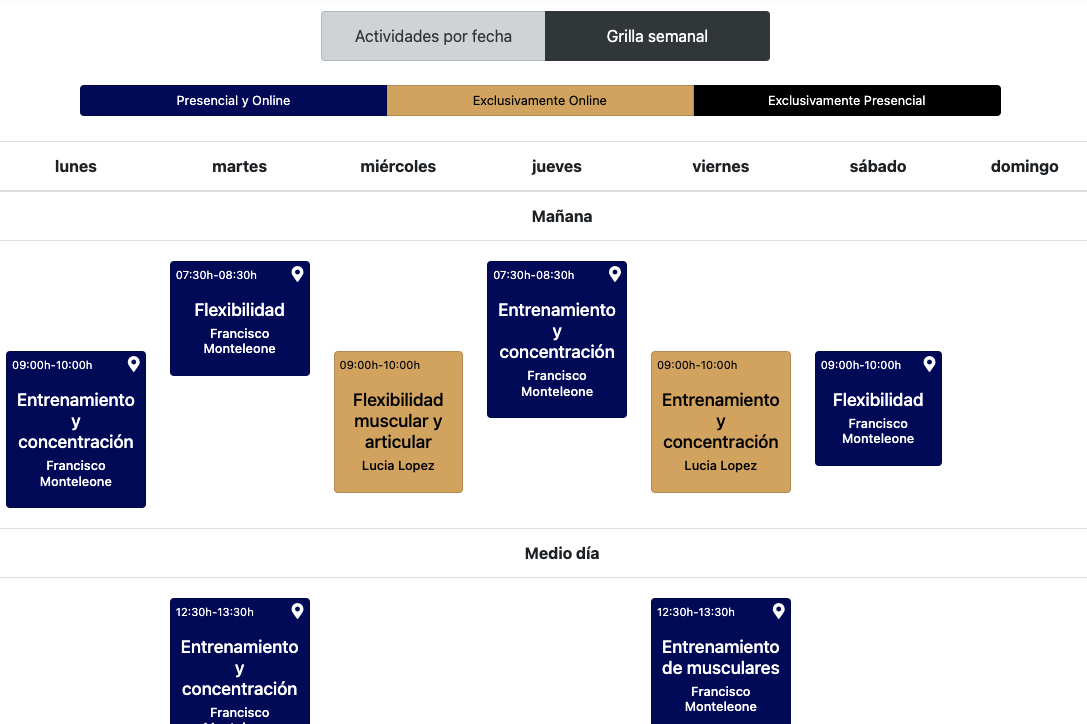
General schedule
The link https://learn.derose.app/a/NOME_DE_SUA_ESCOLA/schedule/preview allows viewing the schedule grid that a beginner user with live sessions enabled would see.
See the article School name for links - vanity ID - to know what your school's name for links is.
The link will show only classes for aspirant level.
If you want to add classes for sádhakas put &preview_options[user][level]=1 at the end of the link.
Schedule of a specific plan
With this tool you can share with the prospect the schedule grid that corresponds to the specific plan they will contract.
Go to the instructor panel to the option “Accesses > Access presets”.
Each access preset has its own link. Enter the one you want to share with the prospect and at the bottom of the screen you will see the link to be shared.
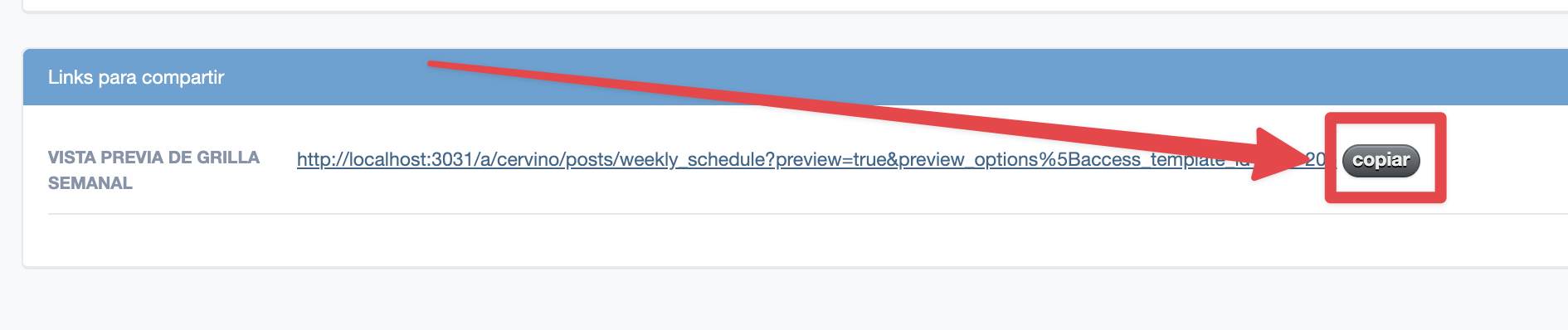
The link will show only classes for aspirant level.
If you want to add classes for sádhakas put &preview_options[user][level]=1 at the end of the link.
Put on your own website
See: