## Save filters
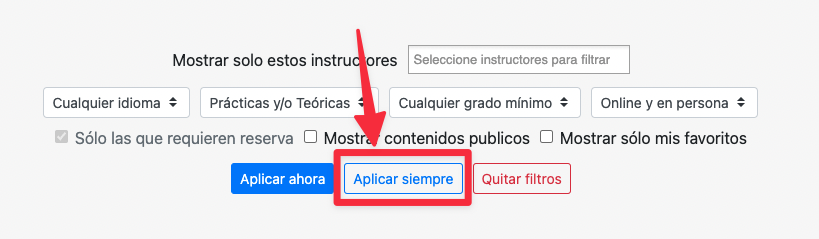
When filtering content you can apply your configuration permanently so that it always applies automatically.
We save one configuration for agenda/reservations screens and a different one for on-demand screens.
## Clear filters
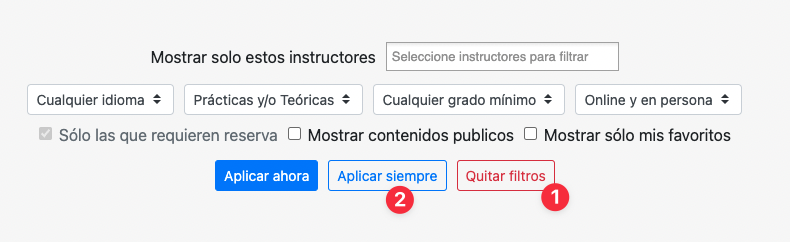
If you want to clear the filters so they no longer apply automatically follow these two steps:
1. First click on “Remove filters” and wait for the page to reload
2. Then reopen the filter panel and click on “Always apply”.
[Watch video](https://youtu.be/uozlSvRzsBc)